Claude Code Agent Teams: Running Several Agents at Once

Claude Code agent teams run several Claude sessions at once, with a lead, a shared task list and messages. They're experimental. Here's when they pay off.
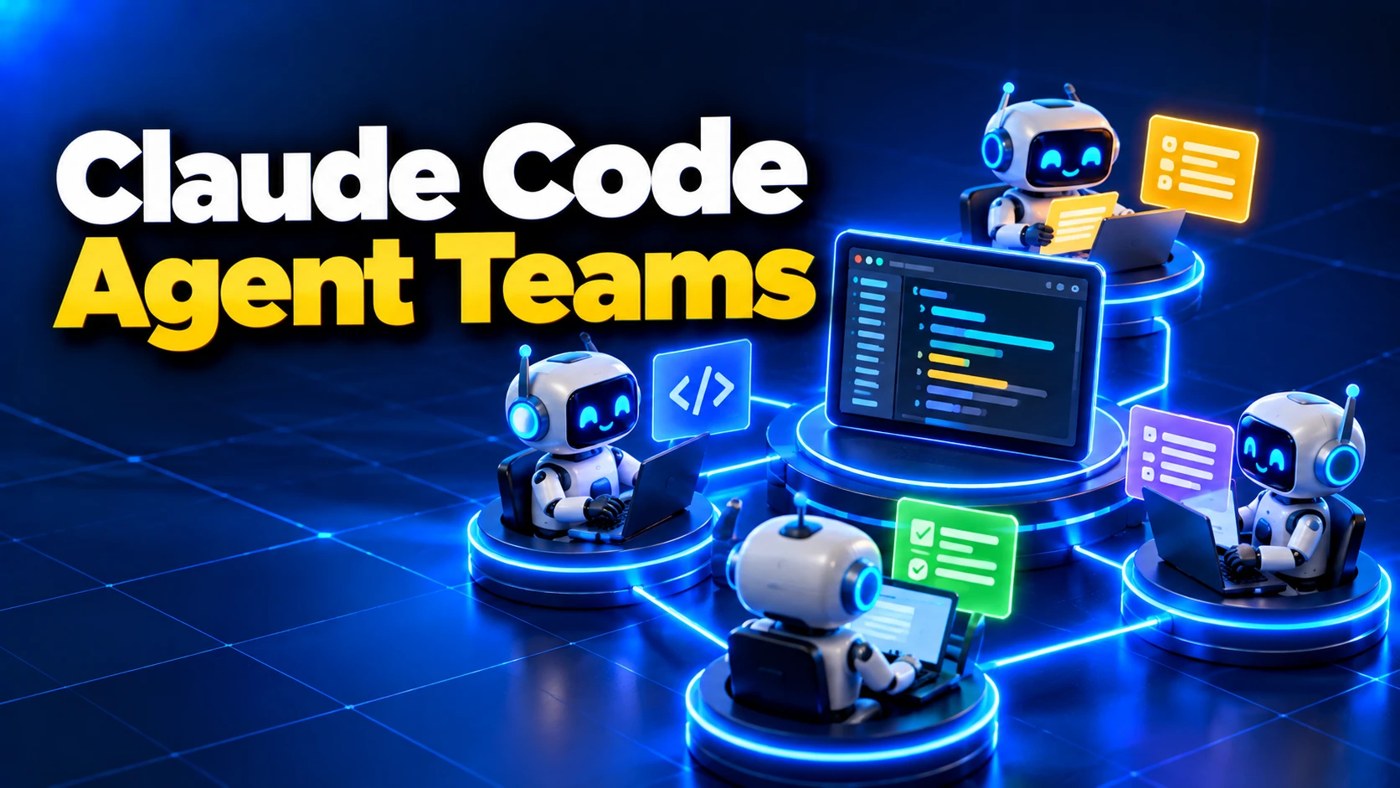
What are Claude Code agent teams? They let one Claude Code session act as a lead that starts several other Claude sessions, called teammates, and runs them at the same time. The teammates share a task list, message each other, and report back to the lead.
The feature is experimental and switched off by default. Before you turn it on, strip away one assumption: that more agents means faster work. It often doesn’t. Here’s why, one fact at a time.
What is an agent team, exactly?
A team has four parts, per Anthropic’s docs:
| Part | What it does |
|---|---|
| Team lead | Your main session. It starts teammates and hands out work. |
| Teammates | Separate Claude Code sessions, each with its own memory of the conversation. |
| Task list | A shared list of jobs. Teammates claim them and mark them done. |
| Mailbox | How teammates send messages to each other and to the lead. |
You can also talk to any teammate directly, without going through the lead.
How is that different from subagents?
Subagents report back. Teammates talk to each other.
A subagent is a helper your main session sends off on one job. It does the job and hands back a summary. Teammates are full sessions that share findings, argue with each other and pick up the next job on their own.
Subagents are built in and cost less. Teams cost more, because every teammate is a separate Claude instance burning its own tokens.
Fact one: each agent starts with a blank head
Every teammate gets its own context window. It loads your project’s CLAUDE.md, your skills and your connected tools. It does not get the lead’s conversation.
So whatever you told the lead an hour ago, the teammate never heard. If a job needs that background, put it in the instruction that starts the teammate.
Fact two: every agent costs tokens
Three teammates means roughly three sessions’ worth of usage, all from the same plan limit. Anthropic says token use scales with the number of active teammates.
On Pro, a big team can eat your five-hour window fast. I’ve covered how the limits work in How Much Does Claude Code Cost?
Fact three: two agents in one file is a collision
If two teammates edit the same file, one overwrites the other. The docs say it plainly: give each teammate its own set of files.
That rules out a lot of jobs. A single long page. One config file everything depends on. Any task where step two needs step one finished.
Put the facts together. When does a team pay off?
Only when the work splits into pieces that don’t touch each other.
That’s the whole rule. If the pieces are independent, a team runs them side by side. If they depend on each other, the teammates wait, collide or duplicate work, and you pay for all of it.
Anthropic’s own best uses fit that rule:
- Review from different angles. One teammate checks security, one checks speed, one checks the tests.
- Competing theories on a bug. Several teammates each test a different cause and try to knock down each other’s answer.
- Separate new pieces. Each teammate owns one module with its own files.
For a website, that could mean one teammate checking every link, one reading the copy and one checking the pages on a phone-sized screen.
How do you turn agent teams on?
Set one environment variable to 1. The easiest place is your settings.json:
{
  "env": {
    "CLAUDE_CODE_EXPERIMENTAL_AGENT_TEAMS": "1"
  }
}
Then ask for a team in plain English: “Spawn three teammates to review this site. One on links, one on copy, one on mobile layout.”
Teammates appear in a panel under your prompt. Use the up and down arrows to pick one and Enter to open it. Split panes, one window per teammate, need tmux or iTerm2. They don’t work in Windows Terminal or the VS Code terminal, so Windows users stay on the default view.
What are the limits?
The docs list several. These are the ones you’ll hit first:
- One team per session, and teammates can’t start their own teammates.
- Resume doesn’t bring teammates back. After
/resume, start new ones. - Task status can lag. A teammate sometimes forgets to mark a job done. Check the work, not the checkbox.
- Permissions follow the lead. If you start the lead with
--dangerously-skip-permissions, every teammate runs that way too. Read Claude Code —dangerously-skip-permissions: Safe or Not? first.
Don’t start with five teammates writing code. Start with three teammates reviewing something. You’ll see the value without the collisions.
Frequently asked questions
Are Claude Code agent teams free? They come with any plan that includes Claude Code, starting with Pro at $20 a month. Each teammate uses your plan’s limits, so a team burns through usage faster than one session.
What’s the difference between agent teams and subagents? Subagents do one job and report a summary back to your main session. Teammates are full sessions that share a task list and message each other. Subagents are cheaper and work without any setup.
How many teammates should I use? Anthropic suggests three to five for most jobs. More teammates add cost and coordination without a matching speed-up.
Do agent teams work on Windows? Yes, in the default view inside your main terminal. Split panes need tmux or iTerm2 and aren’t supported in Windows Terminal or the VS Code terminal.
New to Claude Code? Start with What Is Claude Code?, or watch my free video, where I build a real site with it start to finish. Watch the free video.